


How Much Should You Pay for a Used Laptop in Pakistan?
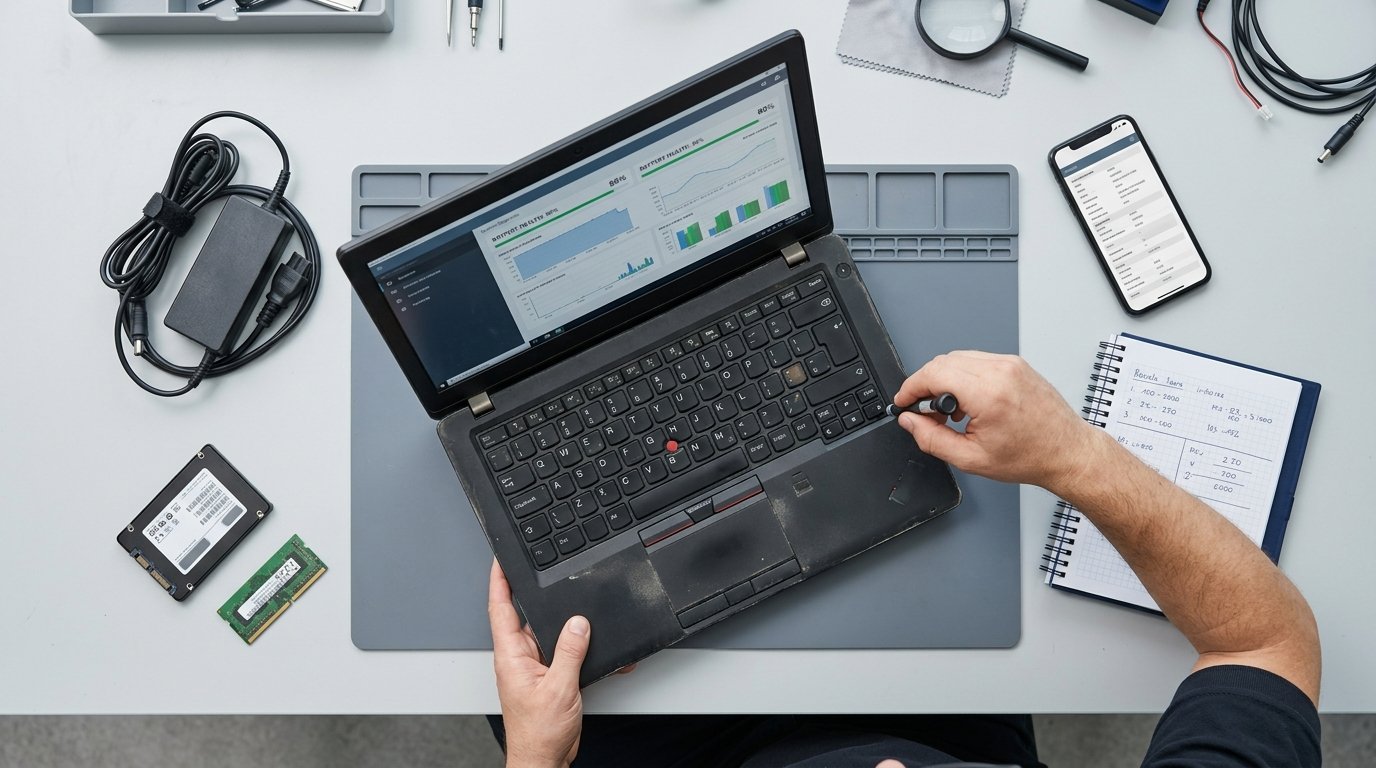
A seller quotes you Rs. 75,000 for a used HP EliteBook. Is that a fair price or Rs. 20,000 too much?
Most buyers genuinely can't tell, because a used laptop price in Pakistan depends on things that don't always show up in the seller's photos: processor generation, battery health, RAM, SSD capacity, physical condition and how heavily the machine was used before it reached you.
The good news is that used laptop prices become much easier to judge once you understand what actually moves the number. You don't need to memorise every model. You need a simple way to match the laptop to its specifications, adjust for condition and compare the asking price with what you're actually getting.
That's what this guide gives you. Whether you're looking at a Dell Latitude on a marketplace or an EliteBook in a shop, you can use the same framework to decide whether the price makes sense.
Why Used Laptop Prices Change So Much in Pakistan
Used laptop prices don't depend on specifications alone. Import costs, currency exchange rates, availability, condition and demand can all move the final selling price.
Many business-class laptops available in Pakistan are imported, so changes in exchange rates and shipping costs can eventually affect local prices. This is one reason two otherwise similar laptops can have different prices at different times.
Memory and storage prices can also affect the cost of upgraded machines. A laptop that already has 16GB RAM and a 512GB SSD can be more attractive than a cheaper 8GB/256GB machine if you would otherwise have to upgrade it.
Then there is depreciation. Older laptops generally become cheaper as newer processor generations and models enter the market. That depreciation is one of the main reasons used business laptops can offer strong value compared with buying new.
What Actually Determines a Used Laptop's Price?
Six factors account for much of the difference between two used laptops that may look similar in a marketplace listing.
1. Processor Generation Matters More Than i3, i5 or i7
The generation and exact processor model matter more than the Core i3, i5 or i7 label alone.
For example, an older Core i5 and a newer Core i5 can belong to completely different generations. The newer machine may command a higher price because it offers a newer platform, better efficiency and a longer useful life.
Check the complete processor model instead of relying on a sticker. For example, an Intel Core i5-8250U is an 8th-generation processor, while an i5-1135G7 is an 11th-generation processor.
For many everyday Windows buyers in 2026, 8th-generation Intel Core business laptops can still represent a useful value point, provided the rest of the machine is in good condition and meets the buyer's needs.
2. RAM and SSD Capacity
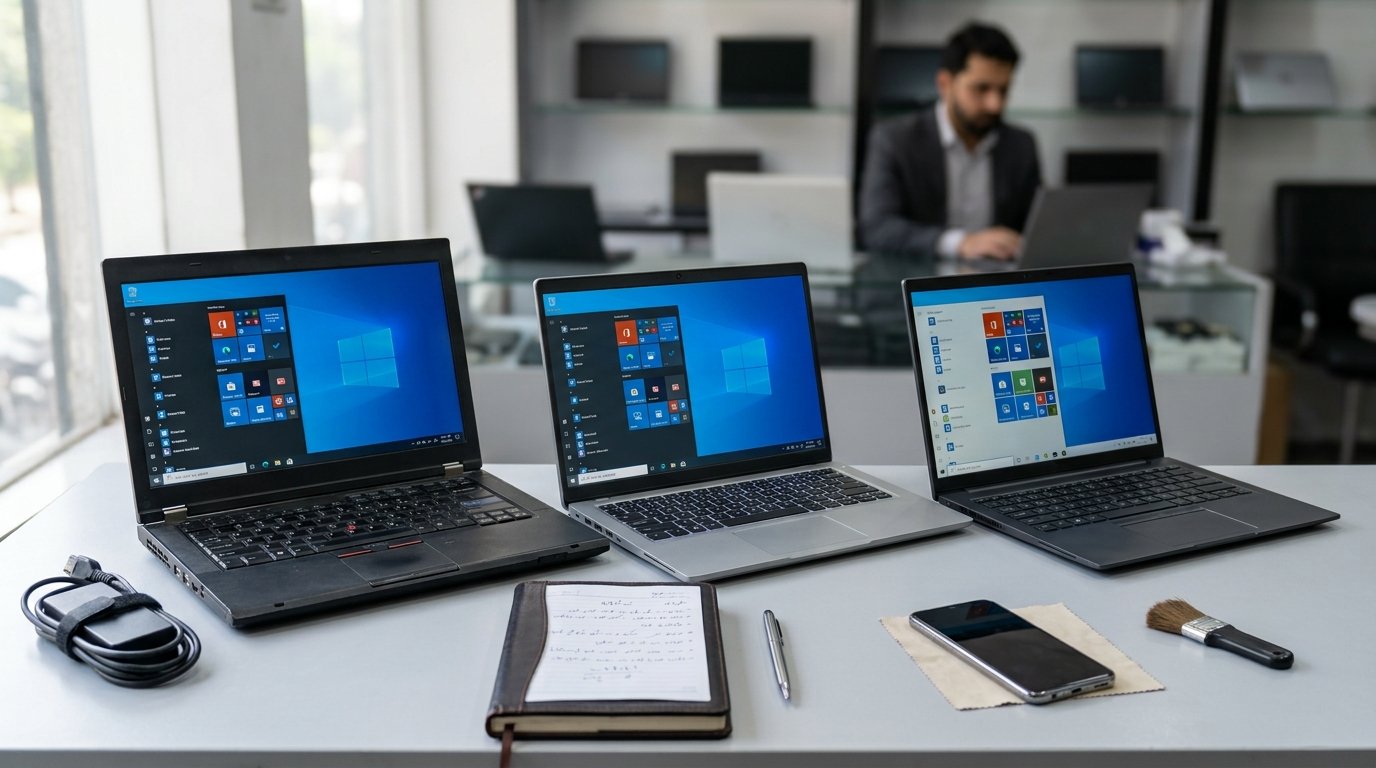
RAM and storage can make a noticeable difference in both usability and price.
For many everyday users, 8GB RAM and a 256GB SSD is a practical starting point. Moving to 16GB RAM and 512GB SSD gives you considerably more room for browser tabs, office applications, multitasking and larger files.
Don't automatically pay more just because the RAM or SSD number is larger. First consider whether you actually need the upgrade and whether the laptop supports future upgrades.
3. Display, Graphics and Build Quality
A Full HD 1920×1080 display is a sensible target for most buyers. Touchscreens, higher refresh rates and premium panels can increase the price, but they are worth paying for only when you actually need them.
A dedicated graphics card can create a much larger price difference. If you're buying for gaming, video editing, CAD, 3D work or other GPU-heavy applications, a dedicated GPU may justify the additional cost.
For documents, browsing, study and general office work, integrated graphics is usually sufficient.
4. Business-Class Construction
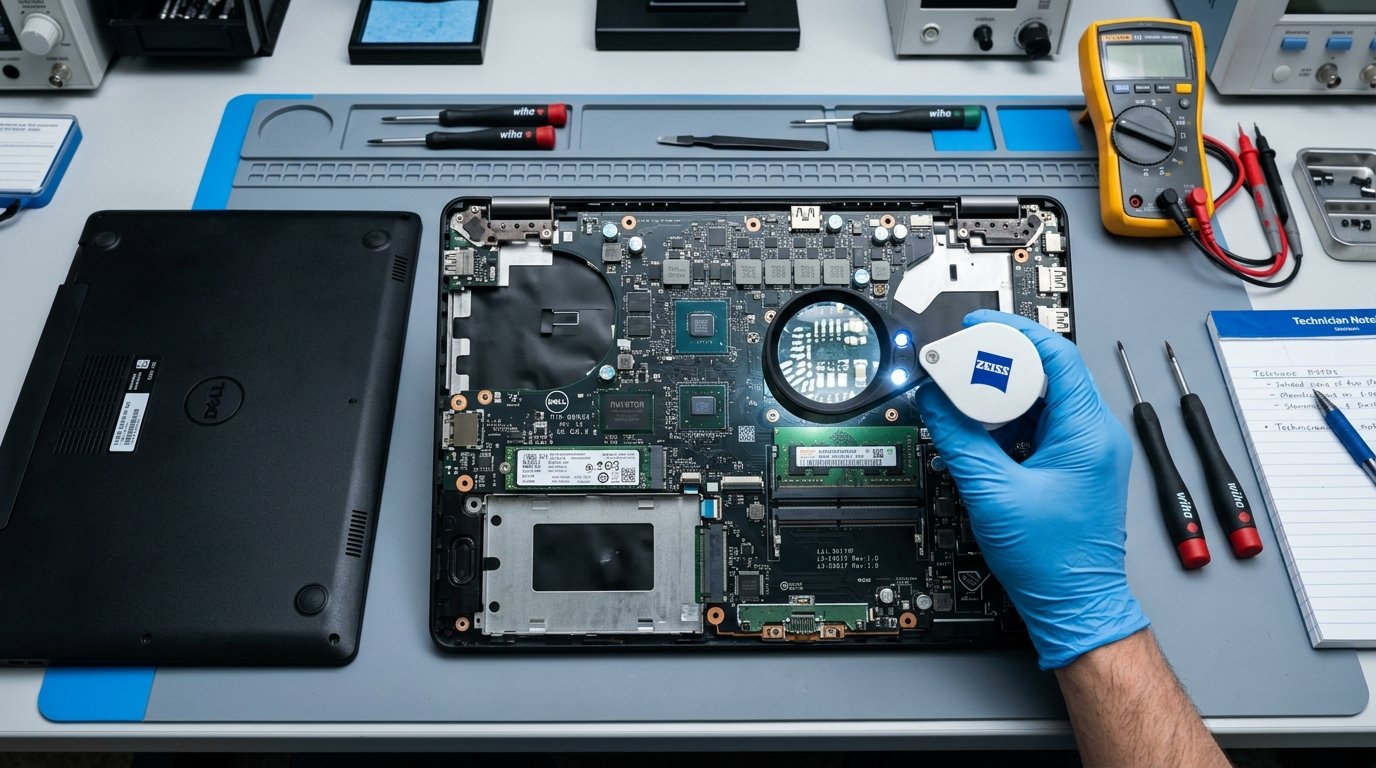
Business laptop families such as Dell Latitude, HP EliteBook and Lenovo ThinkPad often command a premium over consumer laptops with similar headline specifications.
You're often paying for things such as stronger construction, better keyboards, serviceability and long-term parts availability.
Used Laptop Price in Pakistan: 2026 Price Ranges
The following ranges are useful as a rough market guide, not fixed prices. Exact prices change with model, condition, battery health, configuration, availability and seller warranty.
| Budget | Typical Specification | Best For |
|---|---|---|
| Under Rs. 40,000 | Older business laptops, commonly 5th–7th gen, 4–8GB RAM and 128–256GB SSD | Browsing, Office and basic online classes |
| Rs. 40,000–60,000 | Around 7th–8th gen Core i5, commonly 8GB RAM and 256GB SSD | Students, office work and everyday use |
| Rs. 60,000–85,000 | Around 8th gen Core i5/i7, 8–16GB RAM, 256–512GB SSD | Strong everyday value and multitasking |
| Rs. 85,000–115,000 | Around 10th–11th gen Core i5/i7, 16GB RAM and 512GB SSD | Buyers wanting a newer platform |
| Rs. 130,000+ | Around 12th–14th gen configurations, 16–32GB RAM and 512GB–1TB SSD | Higher performance and longer useful life |
How Can You Tell If a Used Laptop Is Overpriced?
Start by putting the laptop into the appropriate price band using its processor generation, RAM and SSD. Then adjust the expected price based on condition.
- Identify the specification level. Check the exact processor, RAM, SSD and display.
- Check the physical and technical condition. Battery health, SSD health, display condition, hinges and chassis can all move the price.
- Compare the final price with similar machines. Don't compare an untested marketplace unit directly with a professionally tested laptop that includes a checking warranty.
One of the most common traps is paying a modern-machine price for an old processor generation. Another is accepting phrases such as "battery like new" without seeing an actual battery-health figure.
Also verify that the advertised RAM and SSD are actually installed. If the seller cannot show you the specifications or battery information, treat that uncertainty as a reason to be more cautious about the asking price.
Battery Health Can Change What a Used Laptop Is Worth
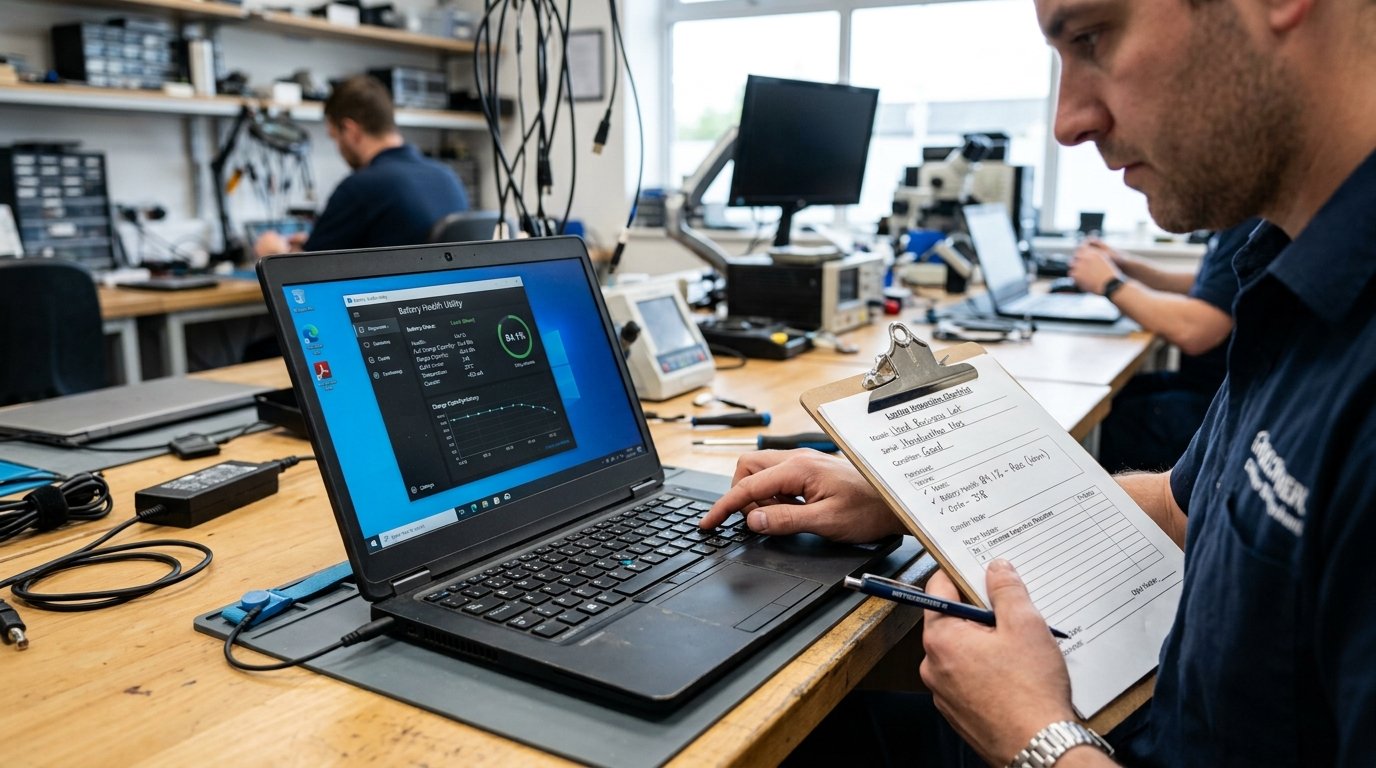
Battery condition is one of the easiest things to overlook when comparing used laptop prices.
On Windows, open Command Prompt and run:
powercfg /batteryreportOpen the HTML report generated by Windows and compare Design Capacity with Full Charge Capacity. The difference gives you a practical indication of battery wear.
- 80%+ — generally strong battery condition
- 70–80% — usable, with normal wear
- 50–70% — noticeable degradation
- Below 50% — replacement should be considered
A weak battery isn't automatically a reason to reject a laptop. It is a reason to adjust the price based on the likely replacement cost.
Cheaper Unchecked Laptop or a Tested One?
The cheapest listing is not always the cheapest laptop to own.
A laptop that saves Rs. 8,000 upfront can become more expensive if it needs a battery, SSD, keyboard or thermal repair shortly after purchase.
This is why a professionally tested laptop can justify a somewhat higher price. You're not only paying for the hardware; you're also reducing the uncertainty around its condition.
At LapBazar, used laptops are tested before sale, eligible A+ stock is condition-checked, and customers receive a 30-day checking warranty.
You should still compare the specifications and price. A warranty doesn't make an overpriced laptop a good deal — it simply gives you additional protection when the price is reasonable.
Buying a used laptop?
Before paying, use our complete used laptop inspection checklist to test the battery, SSD, display, keyboard, ports and performance.
Quick Fair-Price Checklist
Before agreeing on a price, run through these points:
- Processor generation and exact model are verified.
- RAM and SSD match the listing.
- Battery health is known rather than assumed.
- SSD health is checked.
- Screen, keyboard and hinges are in acceptable condition.
- The laptop has been properly tested.
- The asking price fits the appropriate market band.
- A warranty or checking period is available.
Frequently Asked Questions
What is a good second hand laptop price in Pakistan?
It depends on the processor generation, RAM, SSD, display, condition, battery health and warranty. For many everyday buyers, the Rs. 60,000–85,000 range can offer a useful balance of performance and remaining useful life, but individual models can vary significantly.
Is 8GB RAM enough for a used laptop?
8GB can be sufficient for browsing, Office work, study and basic multitasking. If you regularly use many browser tabs, heavier software or multitask extensively, 16GB is a better target.
What processor generation should I buy in 2026?
For many everyday Windows users, 8th-generation or newer Intel Core business laptops can still be practical, but the exact processor, condition and price matter. Newer generations are preferable when the budget allows.
How do I know if a used laptop is overpriced?
Compare its exact processor generation, RAM, SSD, display and condition against similar laptops in the same price range. Then factor in battery health, warranty and any required repairs or upgrades.
Is it worth paying more for a professionally tested used laptop?
If you are buying for university or study, read our best used laptops for students in Pakistan guide for practical recommendations based on study needs, programming and everyday use.
If you are comparing different models within your budget, see our best used laptops in Pakistan guide for options by brand, specifications and workload.
The Final Verdict
Don't price a used laptop by the processor name alone. Look at the generation, RAM, SSD, battery health, physical condition and warranty together.
Start with the appropriate price band, adjust for the laptop's actual condition and compare it with similar machines. That simple process will help you avoid paying modern-laptop prices for outdated hardware.
If you'd rather skip some of the guesswork, browse LapBazar's tested used laptops and compare the specifications, condition and price before you buy.
Looking for a tested used laptop?
Compare LapBazar's professionally tested used laptops and find a configuration that fits your budget.
Browse Used Laptops
[…] For more detailed pricing information, read our guide on used laptop prices in Pakistan . […]
[…] For a broader look at pricing, read our used laptop price in Pakistan guide . […]
[…] For a detailed breakdown of current price ranges and the factors that affect value, see our used laptop price in Pakistan guide . […]
[…] you are also trying to judge whether the asking price is fair, use our used laptop price in Pakistan guide to compare processor generation, RAM, SSD, battery condition and overall value before […]
[…] deciding whether a particular deal is fairly priced, check our used laptop price in Pakistan guide to understand how specifications and condition affect what you should […]